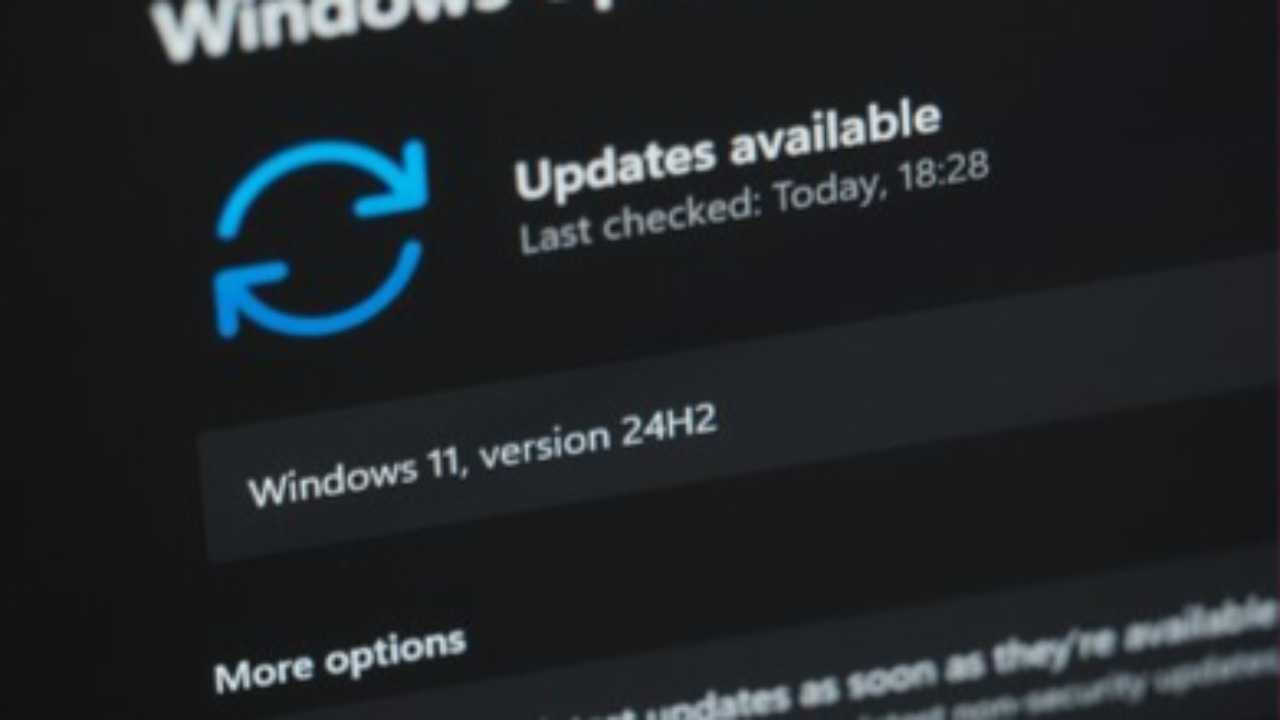
Microsoft introduces a new “App Updates” page in Windows 11 Settings to update select apps via Windows Update
Microsoft is introducing a new “App updates” page in the Windows 11 Settings app, designed to allow certain applications to receive updates through Windows Update rather than relying exclusively on the Microsoft Store,according to Windows Central. This initiative is part of the company’s effort to create a more unified and streamlined update experience for users, particularly for built-in or system-managed applications.
The new page can be accessed via Settings → Apps → App updates. It displays a “Last checked” timestamp and includes a “Check for updates” button, providing users with a straightforward method to ensure supported apps remain current. By centralizing app updates within the Settings interface, Microsoft aims to simplify the process, reduce reliance on multiple update channels, and make it easier for users to maintain software security and stability.
However, the feature is currently limited in scope. Only applications that opt into this system can be updated through Windows Update. Traditional software, such as Win32 programs, MSI-installed applications, or software with independent update mechanisms, will continue to follow their usual update processes. Additionally, the functionality appears to be in an early testing phase, with some users reporting that pressing the “Check for updates” button does not always trigger an update.
The rationale behind this change is to improve the overall update experience, particularly for enterprise environments or devices where the Microsoft Store is restricted or unavailable. Centralizing updates for select system-integrated apps ensures critical applications are maintained without requiring users to navigate multiple update methods. While this feature enhances convenience and security for certain apps, it does not replace the Microsoft Store, which remains the primary distribution channel for most consumer applications.
This update aligns with Microsoft’s broader strategy to make Windows 11 more user-friendly and adaptable to diverse user needs. By providing an additional path for app updates, the company offers greater flexibility and control over software maintenance. As the feature develops, it is expected to expand support for more applications, potentially reducing the fragmentation in how Windows users receive updates and contributing to a smoother, more reliable computing experience.
In summary, the introduction of the “App updates” page in Windows 11 represents a targeted effort to modernize application management. It simplifies updates for supported apps, enhances security and user convenience, and offers an alternative for system-managed software, all while keeping traditional update channels intact for other types of applications.